2026-10-27
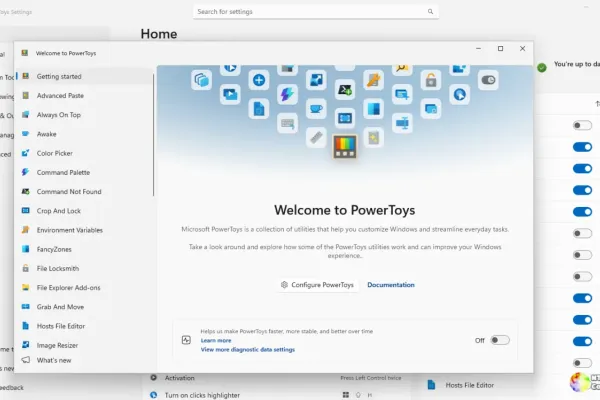
Microsoft released PowerToys Release Preview v0.102.2993 today, delivering two reliability fixes ahead of the next stable build. The first repair fixes a use-after-free crash in File Locksmith (PR #51507) that had plagued users since at least v0.97.0, with a rewrite that runs the handle scan on the calling thread. The second addresses a Quick Accent crash (PR #51583) triggered by language switches and longer character lists, deferring cached selection until the current list is ready.
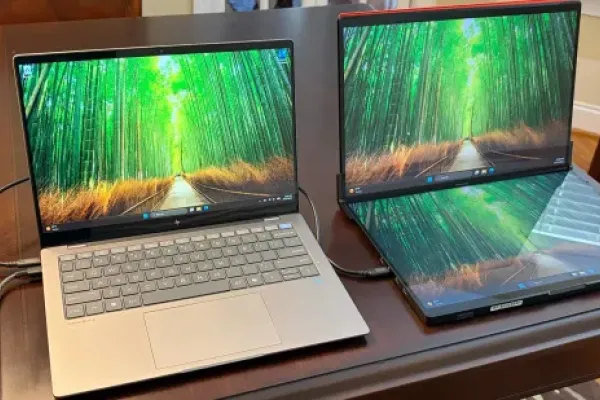
JSAUX's FlipGo earns Tom's Hardware an Editor's Choice for its dual 16-inch touchscreens and built-in hub, though at 4.2 pounds it's a desk companion rather than a travel buddy. ID-Cooling's SL360 V2 AIO takes home a "best value" nod for its display block and strong fans at roughly $120. The ASUS ROG Maximus Z890 Apex earns praise for extreme memory overclocking and daily-driving polish, but sits $200 off launch amid questions about whether Intel still needs an Apex board. Corsair's 2026 RM1200e trades a switch from HEC to CWT OEM for better efficiency and quieter operation plus new PinProtect safety, while the SanDisk DC SN861 rounds out the roundup as a balanced 7.68 TB enterprise SSD built on a RISC-V controller.
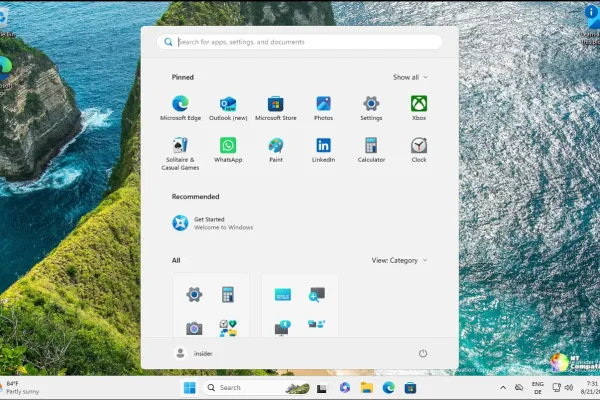
Microsoft released three non-security out-of-band Windows 11 updates on October 26, pushing offline certificate-trust data tied to the eMudhra key compromise. These packages target only disconnected, air-gapped, or locked-down machines, so most consumers will never even see them appear in Windows Update. They bundle fixes into KB5134133, KB5134134, and KB5134130 across Windows 11 versions from 23H2 through 26H2, and ship from the Microsoft Update Catalog only. The move follows the October 2026 breach of eight eMudhra intermediate CA private keys, which could let attackers forge TLS certificates for any domain.
2026-10-26
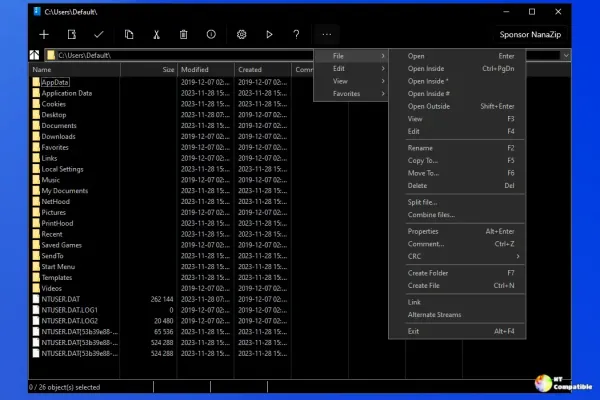
NanaZip 7.0 (version 2610.2, build 7.0.1882.0) shipped October 26, 2026, bringing a maintenance-and-alignment release with no flashy new features. It aligns the archiver's core with 7-Zip mainline 26.05, updates Brotli to v1.2.1, and pulls in the latest RHash, all while inheriting 2026's crucial security hardening. More importantly, the project has fully committed to a rolling-release model, meaning users will get frequent incremental updates instead of rare milestone versions. The MIT-licensed Windows 11-native 7-Zip fork stays free across the Microsoft Store, WinGet, and GitHub, though the native right-click menu needs the signed Store build.
Call of Duty: Modern Warfare 4 runs smoothly across a wide range of GPUs at 1080p through 4K, but Beenox's ray tracing decisions, switching off DLSS/FSR/XeSS and forcing Variable Rate Shading, are being called "inexcusable" despite a spectacular campaign. The Simagic Aston Martin Valkyrie steering wheel earns TweakTown's 96% Editor's Choice at $799 for its authentic Alcantara, carbon, and magnesium build. Tom's Hardware tips the IQUNIX MQ80 low-profile keyboard as well-made but tells buyers to wait for a sale unless they actively dislike magnetic switches, while the XASTRA LZ360 ARGB AIO cooler and Edifier Hecate G2000 Pro speakers round out a week where looks and performance both count. The recurring theme? In markets this crowded, few products are undisputed winners.
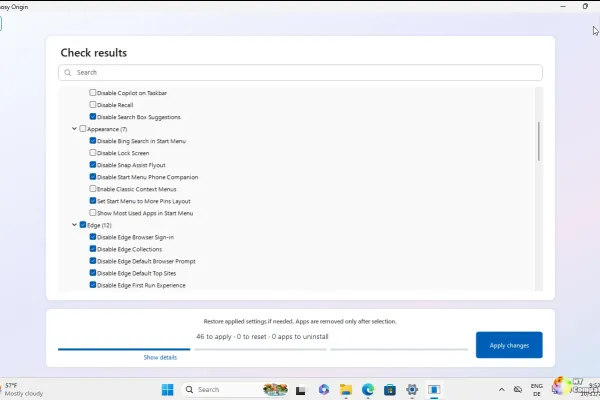
Bloatynosy 1.02.142 "Shelf," developer builtbybel's Windows debloater, shipped October 25, 2026 and gains the ability to uninstall the bloated preinstalled desktop programs that laptop vendors pile onto new machines. The build introduces a plugin system built from plain .ini files, a self-updating catalogue that fetches fresh tweaks straight from the repository, and a WinUI-styled interface running on the older WinForms engine. It protects essential drivers and runtime libraries while flagging actual bloatware like McAfee, Norton and Candy Crush, and it still ships as a single portable .exe under a permissive MIT license. Since the OEM debloater is brand new, its uninstall targets haven't yet been stress-tested the way the older settings have been, so treat it as a first look.
2026-10-25
Microsoft issued an out-of-band .NET security update on today, covering .NET 8, 9, 10, and .NET 11 RC3, and is urging developers to patch immediately. The headline fix addresses CVE-2026-111497, a CVSS 10 buffer overflow in Brotli decompression that simultaneously hit Node.js. The release also re-releases two incomplete fixes for a SocketAsyncEventArgs memory corruption bug and a Blazor WebAssembly debugger RCE, plus adds a Linux tarball ownership fix. Timing is especially urgent: .NET 8 and 9 hit end-of-support on November 10, and .NET 11 goes GA around the same date.
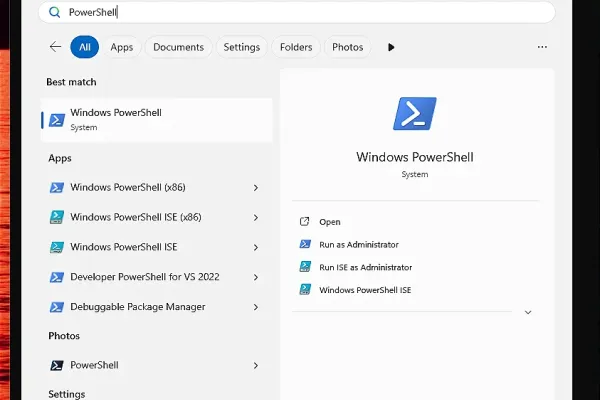
Microsoft released three coordinated PowerShell servicing builds on today, each pushing only a .NET SDK runtime bump rather than new features. All three went out within minutes via the same maintainer and inherit the full October security fixes, so they're fully patched and current. The catch is timing: both 7.4 LTS and 7.5 hit end-of-support on November 10, after which Microsoft stops issuing updates and those lines start flagging as unmaintained. The 7.6 LTS line stays supported until November 2028, which is exactly where Microsoft wants everyone to migrate.
2026-10-24
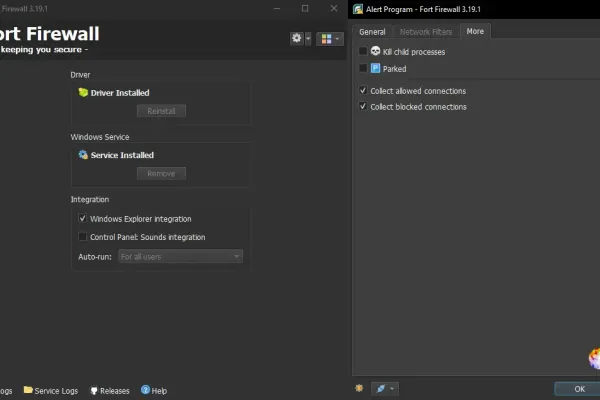
Fort Firewall 3.20.8 launched today, bringing a small UI polish update to the popular free Windows firewall. It marks the end of a rapid October sprint that reintroduced the long-requested "Ask to Connect" mode and completely rebuilt the Groups and speed-limit system. The update keeps Fort's deep per-application control, though it still requires users to disable Windows Memory Integrity (HVCI) on Windows 10+ machines. With rival SimpleWall recently archived, Fort now stands as one of the few actively maintained free host firewalls available for Windows.
Eight reviews dropped in a single day, led by the iPhone 18 Pro Max, which earned HotHardware's Editor's Choice for its A20 Pro chip, variable aperture camera, and Google-matching Siri AI at prices from $1,299. Call of Duty: Modern Warfare 4 drew the boldest praise, with a reviewer calling it "possibly the best Call of Duty ever" thanks to its cinematic campaign, revived DMZ, and classic multiplayer. The loudest trend came from two AI peripherals, the $99.99 Logitech MX Keypad and the $169.99 Razer Basilisk V4 Pro, each adding programmable AI shortcuts to their designs. Tying the batch together are a push toward efficiency over raw specs, heavy reliance on ecosystem lock-in, and rising prices that make even strong drives like the Golden Award-winning KIOXIA EXCERIA G3 feel pricey.
Microsoft pushed five new Windows 11 Insider Preview builds on October 23, landing on the Beta and Experimental channels plus dedicated 26H1 and Future Platforms tracks. The most notable additions include a redesigned File Explorer right-click menu, a built-in internet speed test in Quick Settings, and Quick Settings phone controls for Android. The Experimental 26H1 build stands out with per-app desktop privacy permissions, expanded Start menu options, and several Magnifier upgrades. Watch for a Recall launch bug on 26H1 Copilot+ PCs and keep in mind that much of this ships through staged rollouts, so not every tester gets it at once.
2026-10-23
With Dell's CEO warning that the DRAM shortage won't ease until 2029 or 2030, value dominates this month's hardware reviews. Three products win outright on price-to-performance: the HYTE Y50 RGB case at $99, the AMD Ryzen 5 5500F CPU, and the BIWIN Amber ME300 microSD card. But not everything is a bargain, since the Formula V Line G10's pivoting fans deliver no real thermal gain and the CORSAIR SABRE v2 PRO's 8,000 Hz claim shows no measurable advantage. The one exception to the skepticism is the FSP MEGA PM 1200W PSU, which earns its "industrial-grade" reputation through quiet operation and top-tier ripple control.
[ Archive ]